 ping.fm
TOP 5 Open Source Data Recovery Software for Windows and Mac
Looking for the best open source data recovery software? These tools are free, transparent, and surprisingly capable for many data loss scenarios. This guide covers the top open source file recovery programs – what each one does well, where it falls short, and which scenarios call for a more powerful commercial alternative like Disk Drill. Whether you need to recover a lost partition, salvage files from a corrupted drive, or undelete accidentally removed documents, there is an open source recovery software option worth trying first.
TestDisk
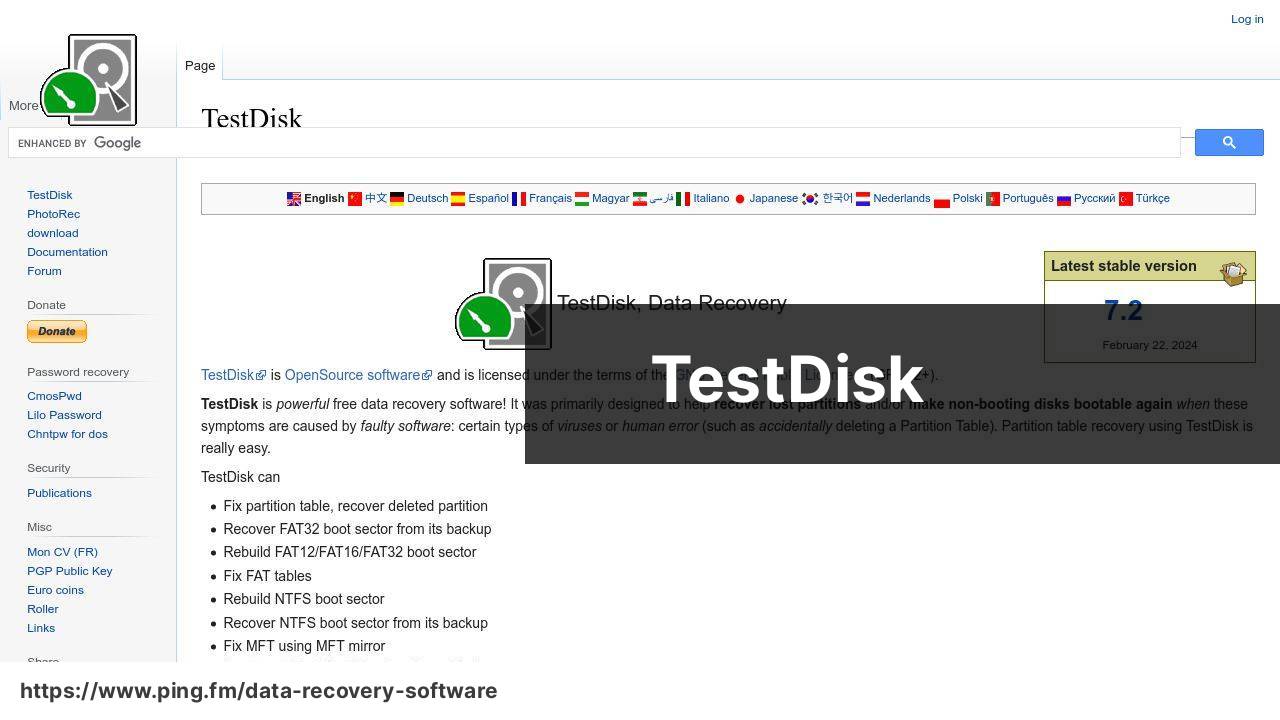
TestDisk is a powerhouse when it comes to recovering lost partitions and making non-booting disks bootable again. The tool is superb for addressing serious issues like the recovery of lost partitions, as I have personally experienced with a misplaced partition during a dual-boot setup.
Pros
- Can recover lost partitions and fix partition tables
- Supports a wide range of filesystems including FAT, NTFS, exFAT, and Linux filesystems
Cons
- User interface is not the most intuitive, especially for beginners
- Lacks a graphical user interface, operates entirely in a command-line environment
PhotoRec

Developed by the creators of TestDisk, PhotoRec specializes in the recovery of photos, videos, documents, and archives from hard disks, CD-ROMs, and lost pictures from camera memory. I’ve effectively used it to salvage multimedia files from a corrupted SD card – a true lifesaver for any digital photographer.
Pros
- Excels in recovering multimedia content
- Usable across various operating systems including Windows, Linux, and macOS
Cons
- Like TestDisk, operates via command-line which can be daunting
- The file recovery process might not retain original filenames
GNU ddrescue
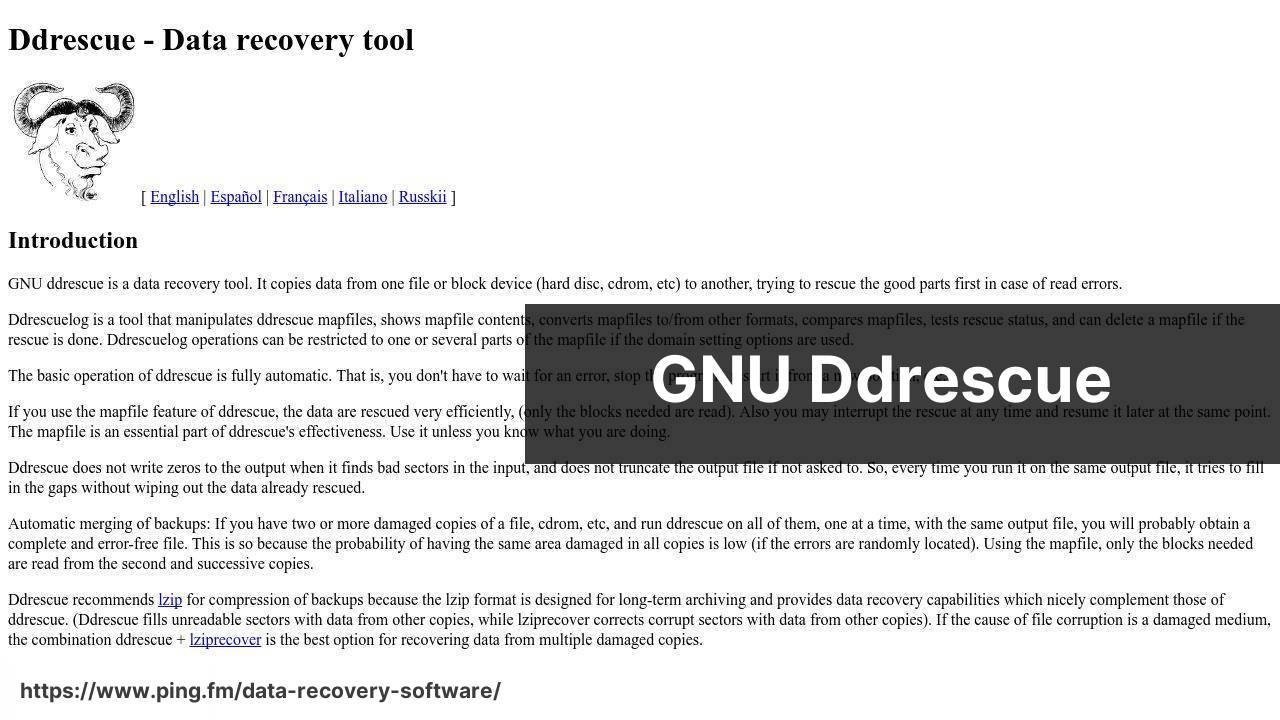
GNU ddrescue is a data recovery tool that copies data from one file or block device to another, working to salvage information from failing drives. It’s perfect for those challenging situations where a disk’s integrity is compromised. I used ddrescue once to clone a failing hard drive, and it was instrumental in avoiding further data loss.
Pros
- Capable of recovering data from damaged disks
- Provides a log file for detailed analysis of the recovery process
Cons
- Requires knowledge of command-line tools
- Can be slow depending on the state of the disk
Foremost
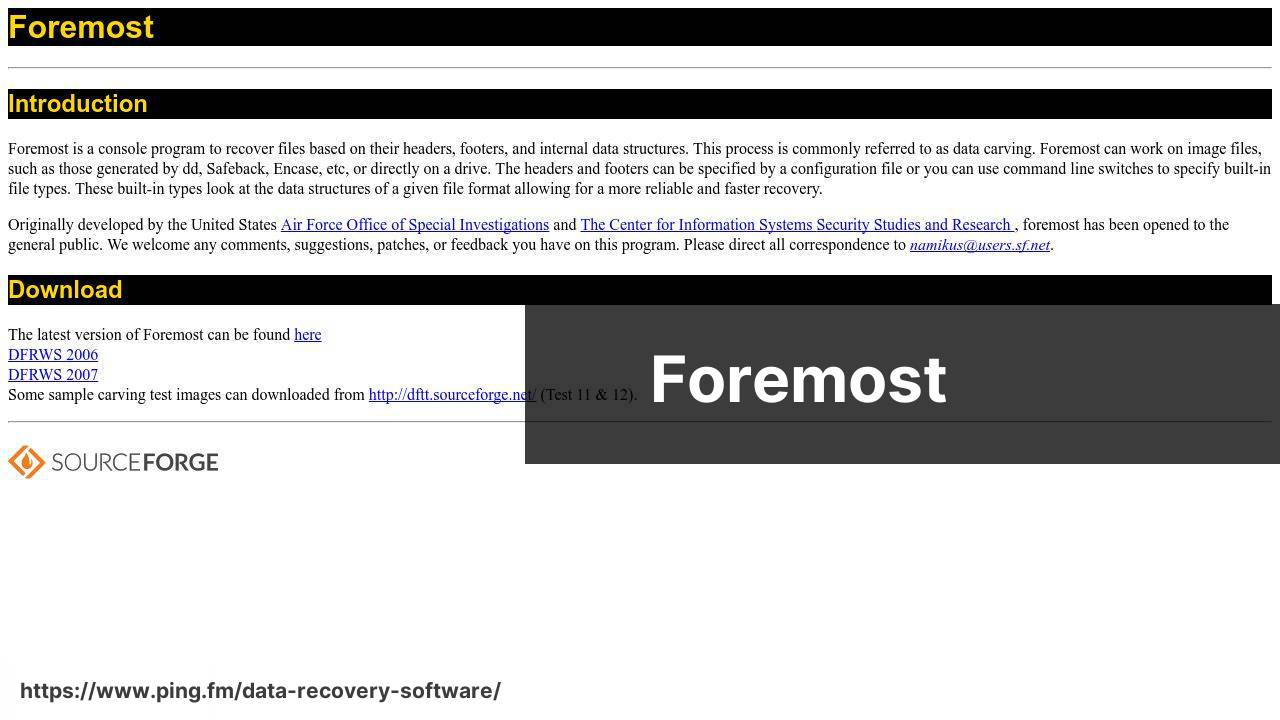
Foremost stands as a forensic program to recover lost files based on their headers, footers, and internal data structures. This open source data recovery program emerged from a digital forensics requirement and can scrape through a drive for remnants of files. I stumbled upon Foremost when I needed to dig deep into a friend’s reformatted drive – and it did not disappoint.
Pros
- Efficient in recovering data from formatted drives
- Runs on multiple platforms
Cons
- Primarily command-line, which may not be suitable for everyone
- Recovery process can be hit-or-miss depending on file fragmentation
extundelete
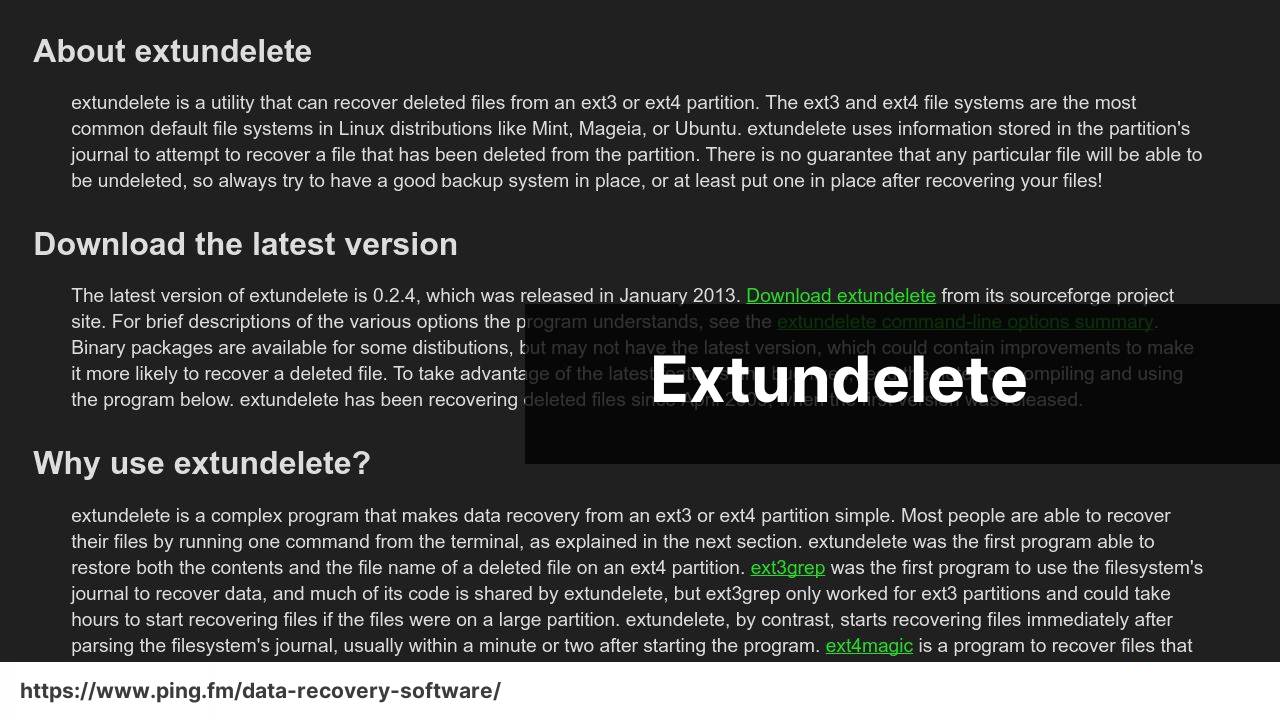
extundelete is a specialized open source file recovery tool that works specifically with ext3 and ext4 Linux filesystems. Having once dabbled with Linux servers, extundelete has come to my rescue after accidentally deleting critical log files. It’s simple, but it performs the job elegantly when dealing with these specific filesystems.
Pros
- Great choice for Linux ext3/ext4 filesystems
- Can recover files including their original filenames
Cons
- Only supports Linux ext3 and ext4 – not versatile for other filesystem types
- Interaction is through the command-line interface
When Open Source Data Recovery Software Is Not Enough
Open source file recovery tools are excellent starting points – they are free, community-tested, and reliable for straightforward scenarios. But there are situations where they consistently fall short, and knowing when to switch tools can be the difference between recovering your data and losing it permanently.
- No graphical interface available urgently. All major open source options – TestDisk, PhotoRec, ddrescue, Foremost – operate via command line. Under pressure, a wrong command can overwrite the very data you are trying to recover.
- APFS drives on Mac. Most open source tools have limited or no support for Apple’s APFS file system used on all modern Macs. TestDisk and PhotoRec offer partial support at best.
- Formatted drives where filenames matter. PhotoRec uses file signature scanning only – it cannot reconstruct directory structures or recover original filenames. You get files back named generically with no folder organization.
- Preview before recovery. No major open source recovery tool offers file preview before restoring. With Disk Drill you can confirm a file is intact before committing to recovery – critical when dealing with partially overwritten data.
- RAW image files and proprietary formats. Many open source tools miss RAW camera files (CR2, NEF, ARW) and less common document types that professionals rely on.
Disk Drill – The Recommended Data Recovery Software
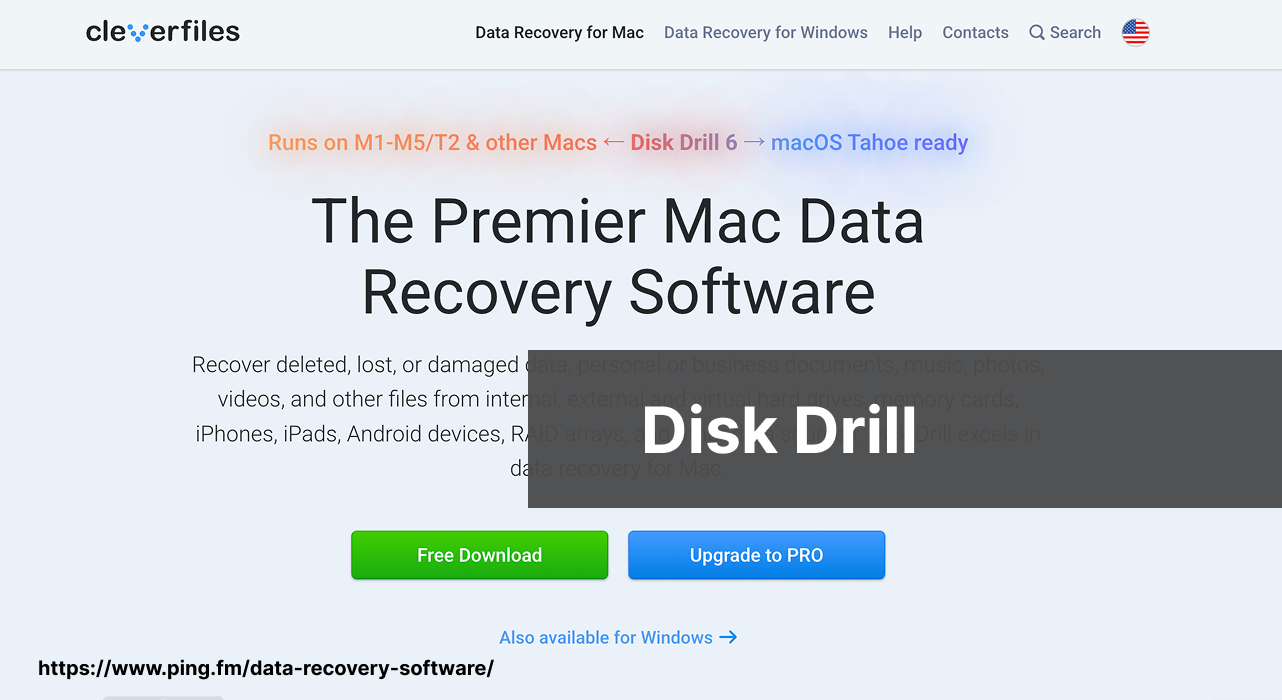
Disk Drill is not open source, but it belongs in this list for one important reason: there are data loss scenarios where even the best open source tools consistently fall short. It combines a clean graphical interface with deep scan algorithms that go beyond file signature scanning – making it significantly more effective on modern drives, APFS volumes, and complex data loss situations that command-line tools struggle with.
Pros
- Full graphical interface – no command-line knowledge required
- Recovers 400+ file formats from NTFS, APFS, HFS+, FAT, exFAT and more
- Preview files before recovery – see exactly what you are getting back
- Free version recovers up to 500 MB on Windows
Cons
- Not open source – full recovery requires a paid license beyond the free tier
Disk Drill has been rated as best data recovery software and holds an Excellent rating on Trustpilot. Its free tier lets you scan and preview files before any purchase decision.
Final Thoughts
Here is a quick summary to help you choose the right tool for your situation:
- Lost partition or non-booting disk – start with TestDisk.
- Deleted photos or multimedia from any drive – PhotoRec is your best free option.
- Failing drive that needs cloning first – use GNU ddrescue before attempting any recovery.
- Forensic recovery from a reformatted drive – Foremost covers deep file carving.
- Linux ext3/ext4 deleted files – extundelete is purpose-built for this.
- Formatted drive, need original filenames back – open source tools will not preserve them; use Disk Drill.
- Mac with APFS drive – skip open source tools entirely and go straight to Disk Drill.
Open source tools have clear limitations – no GUI, no file preview, limited APFS support, and inconsistent results on complex or modern file systems. When the stakes are high or the scenario is beyond basic recovery, Disk Drill is the most practical next step before considering a professional data recovery service.
Whatever tool you use, act fast – stop writing to the affected drive the moment you realise data is missing. For backup strategy guidance, Backblaze and the r/datarecovery community on Reddit are excellent resources.
FAQ
What are the core features of open-source data recovery software?
Open-source data recovery software usually offers file recovery across various file systems, raw recovery, disk imaging, and sometimes partition recovery. They are community-supported and often updated.
Can open-source data recovery software be trusted for sensitive data?
Yes, many open-source data recovery tools are reliable and secure for recovering sensitive data, as their source code is peer-reviewed by the community for any vulnerabilities or issues.
Is there a popular open-source data recovery tool for Windows?
Recuva, though not fully open-source, offers a free version suitable for Windows. For a dedicated open-source tool, try TestDisk, which works across platforms.
Which open-source software is recommended for recovering deleted partitions?
TestDisk is highly recommended for recovering deleted partitions. It's a powerful open-source tool that can also rebuild boot sectors and recover lost tables.
How user-friendly is open-source data recovery software typically?
Open-source data recovery software varies in user friendliness, with some offering graphical interfaces like PhotoRec, while others operate via command-line, such as ddrescue.
Are there any notable open-source data recovery projects for Mac users?
Mac users can utilize PhotoRec or TestDisk for their recovery needs. These tools are compatible with macOS and offer comprehensive data recovery options.
What support options are available for open-source data recovery tools?
Support for open-source tools usually comes from community forums or documentation. Some projects also offer mailing lists or IRC channels for direct assistance.
How does open-source data recovery software handle failing hard drives?
Tools like ddrescue are designed to recover data from failing hard drives by cloning data to a safe medium with minimal risk of further damage.
Can open-source data recovery tools recover data from SSDs?
Yes, most open-source data recovery tools, such as TestDisk and PhotoRec, can recover data from SSDs as well as traditional hard drives.
Is there a Linux-specific open-source data recovery tool?
Linux users often turn to extundelete for recovering files from EXT file systems. However, TestDisk and PhotoRec are also compatible with Linux.