 ping.fm
6 Best Recuva Alternatives for Mac in 2026

If you’ve searched for Recuva for Mac, you’ve already hit the frustrating truth: Recuva is a Windows-only application and has no macOS version. If you’re looking for the best recuva alternative for Mac, Disk Drill stands out as the clear top pick. Its intuitive interface closely mirrors the simplicity that made Recuva popular on Windows – without any of the technical overhead. It supports hundreds of file types including photos, videos, documents and archives, works across APFS, HFS+, FAT, and NTFS drives, and adds bonus utilities like disk health monitoring. For most users, Disk Drill delivers the best balance of ease of use and recovery power. That said, every data loss situation is unique – PhotoRec is the strongest free option when file systems are badly damaged, while R-Studio for Mac is the professional standard for complex or network-based recovery. Below is a full breakdown of all five tools to help you choose the right one.
Disk Drill
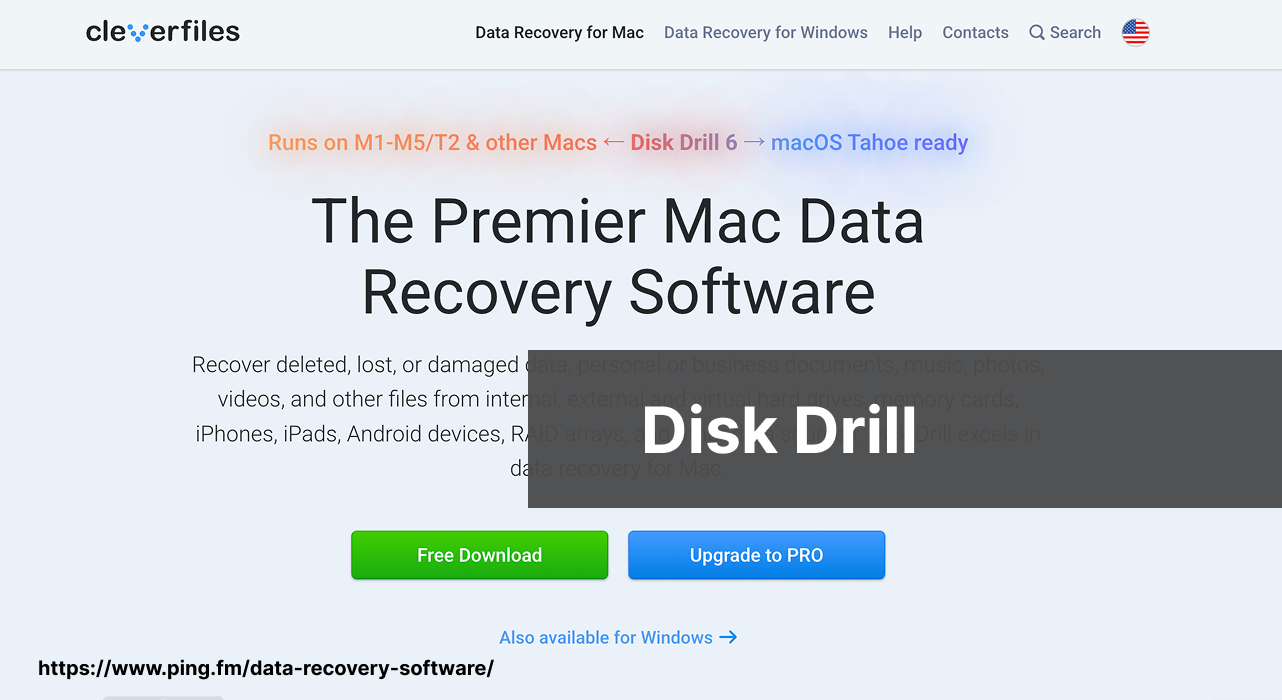
In the world of data recovery, Disk Drill is a standout for macOS users seeking a reliable and versatile solution. I’ve personally used Disk Drill and its user-friendly interface made it simple for me to navigate through its powerful recovery features. It supports various file systems and media types, and offers additional utilities like disk health monitoring and duplicate file finder.
Pros
- Easy-to-use interface – closest Mac equivalent to Recuva’s simplicity
- Supports multiple file systems including APFS, HFS+, FAT, NTFS
- Bonus tools: disk health monitoring, duplicate file finder
Cons
- Free version has limited recovery capabilities
- Full features require paid upgrade
DMDE
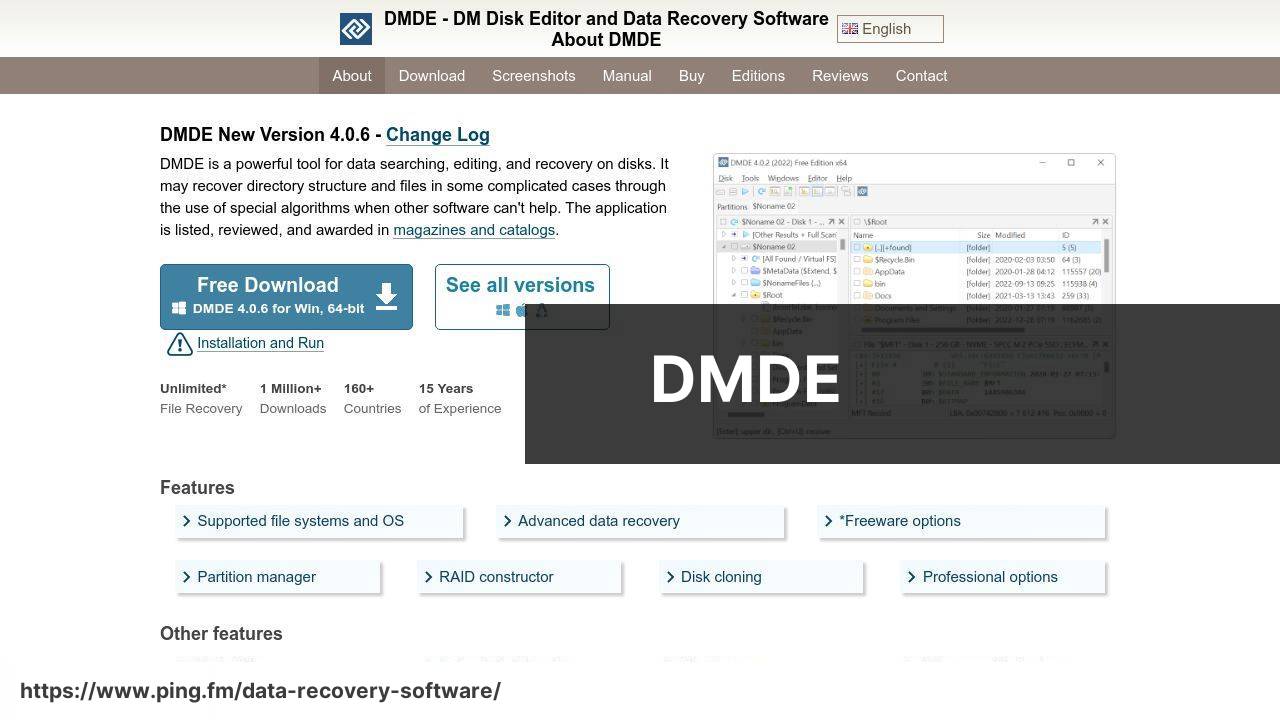
DMDE may not be as widely recognized as some other tools, but its powerful capabilities in file recovery and disk editing are notable. The interface is more technical, which can be intimidating for casual users, but the depth of the tool’s functionality is a boon for professionals. It serves well in complex data loss scenarios, especially when standard recovery procedures fail.
Pros
- Advanced disk editing features
- Effective in complex recovery scenarios
Cons
- Not very user-friendly for beginners
- Limited support resources
R-Studio for Mac
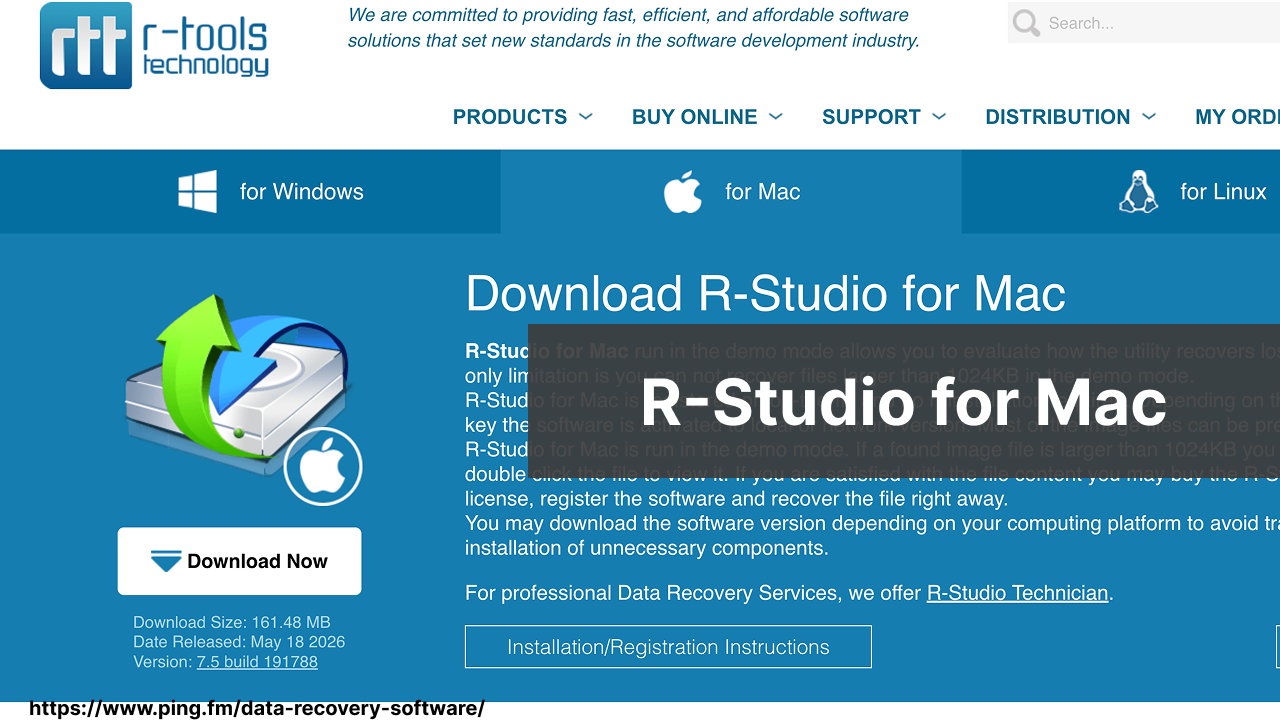
When it comes to professional-grade data recovery, R-Studio for Mac emerges as a heavyweight. Its comprehensive feature set caters to technical users, and its support for network recovery sets it apart from many of its competitors. While its complexity may be daunting for novices, the software is highly regarded among data recovery specialists for its extensive capabilities and thorough data recovery options.
Pros
- Extensive recovery options and file system support
- Network data recovery capability
Cons
- Steep learning curve for less technical users
- Higher price point
PhotoRec

PhotoRec is revered for its file carving techniques that recover data when file systems are severely damaged. This open-source tool is a lifeline when traditional file recovery methods fall short. Even with its somewhat crude interface, it’s surprisingly effective. I’ve found PhotoRec particularly useful for recovering photos and videos, as the name implies, but it also works with various file types.
Pros
- Open-source and free to use
- Effective file carving techniques
Cons
- Command line interface can be off-putting for some users
- No built-in preview function for files
iBoysoft Data Recovery for Mac
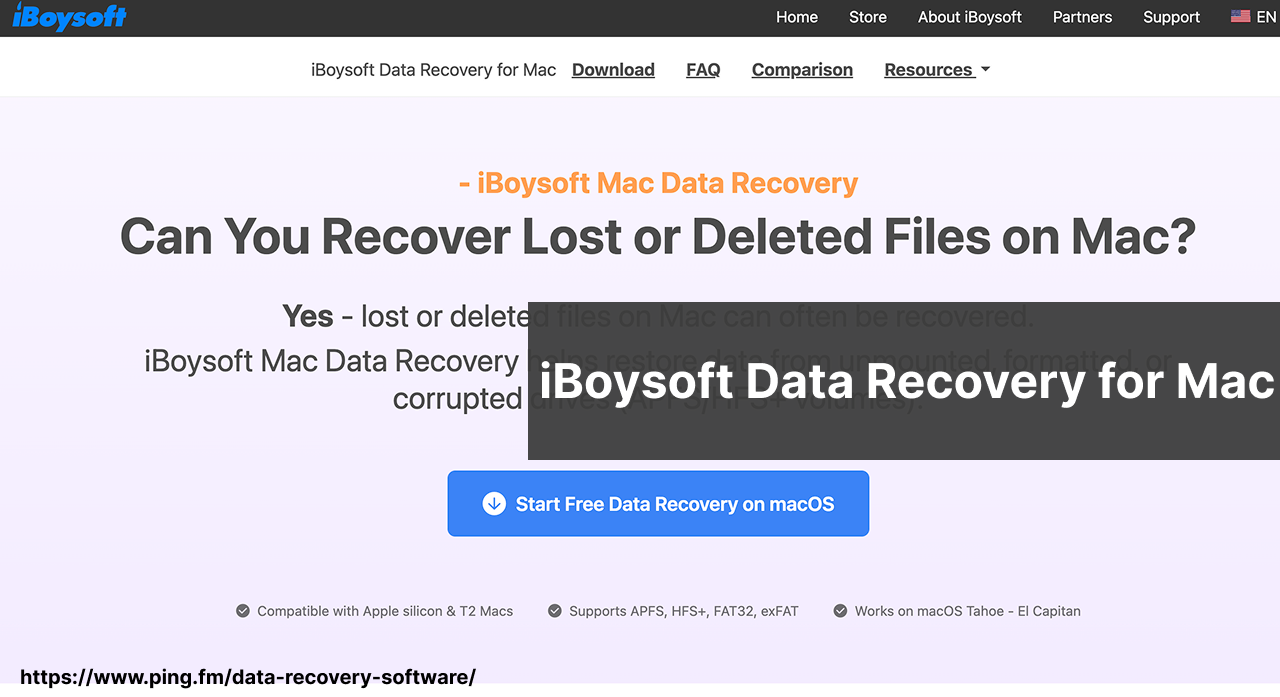
iBoysoft Data Recovery is a lightweight yet capable data recovery tool. It stands out for its strong support of Apple’s modern APFS file system, making it particularly reliable on newer Macs with SSDs. The interface is clean and approachable, guiding users through the recovery process in just a few clicks. It handles common data loss scenarios well – accidental deletion, formatted drives, and even corrupted volumes – without overwhelming the user with technical options.
Pros
- Excellent APFS support – optimized for modern Macs and SSDs
- Clean, beginner-friendly interface
- Available via Setapp subscription
Cons
- Fewer advanced features compared to R-Studio or DMDE
- Full recovery requires a paid license or Setapp subscription
Conclusion: The Best Recuva Alternative for Mac
Whichever tool you choose, act fast – the sooner you stop writing to the drive and attempt recovery, the better your chances of success. Here is a quick summary to help you decide:
- Disk Drill – best overall, closest to Recuva’s simplicity on Mac
- DMDE – advanced disk editing, great for complex cases
- R-Studio for Mac – professional-grade, network recovery
- PhotoRec – best free option, open-source
- iBoysoft Data Recovery – lightweight, solid APFS support
For further guidance, Macworld and Apple Support are excellent Mac-specific resources. To understand how data recovery works at a deeper level, the University of Maryland provides an insightful overview of the subject that can increase your chances of successful data recovery.
FAQ
Is Recuva available for Mac OS X?
No, Recuva is developed by Piriform and is currently only available for Windows. Mac users might consider alternative software such as Disk Drill.
Can I use Recuva to recover files from an external drive on a Mac?
Recuva itself cannot be used on Mac; however, Mac-compatible alternatives like Disk Drill can recover files from external drives connected to Macs.
What types of files can Mac recovery software like Recuva alternatives restore?
Mac recovery software can typically restore various file types including documents, photos, videos, and music files, much like Recuva does on Windows.
How does file recovery work on a Mac using alternatives to Recuva?
Mac file recovery software scans your drive to find recoverable files that have not been overwritten and allows you to restore them to a safe location.
Is it possible to recover permanently deleted files on a Mac?
Yes, provided the space has not been overwritten, files can often be recovered using Mac data recovery tools like Disk Drill.
Are there any free alternatives to Recuva for Mac users?
Yes, there are free alternatives available, such as the free version of Disk Drill, which offers limited recovery capabilities.
What should I do before attempting to recover files on a Mac to increase the chances of success?
Stop using the disk immediately to prevent overwriting data and use a reputable Mac recovery tool as soon as possible.
Can I recover a corrupted hard drive on my Mac?
Data from corrupted drives can often be recovered using Mac recovery tools, though severe corruption may require professional services.
Should I choose a paid recovery tool for my Mac over a free one?
Paid recovery tools usually offer more features and better support, which can be crucial for successful data recovery on a Mac.
How secure are Mac data recovery tools?
Reputable Mac data recovery tools prioritize user data security and privacy, ensuring that file recovery is performed safely.